Al-Manar School
2 hours ago
Honouring October's top students
Idrak runs the school and carries its day home, moment by moment: attendance, grades, homework, the bus, fees and chat. One app for parents, teachers and drivers, and one dashboard for the office.
Built for Iraq's private schools, in Arabic from the first screen to the last.
Every school is an open book.
Idrak lights its pages for every home, every day.
Idrak means perception: seeing what happens, and understanding it in time.


Everything that happens at school reaches home on time, with no calls and no WhatsApp groups.
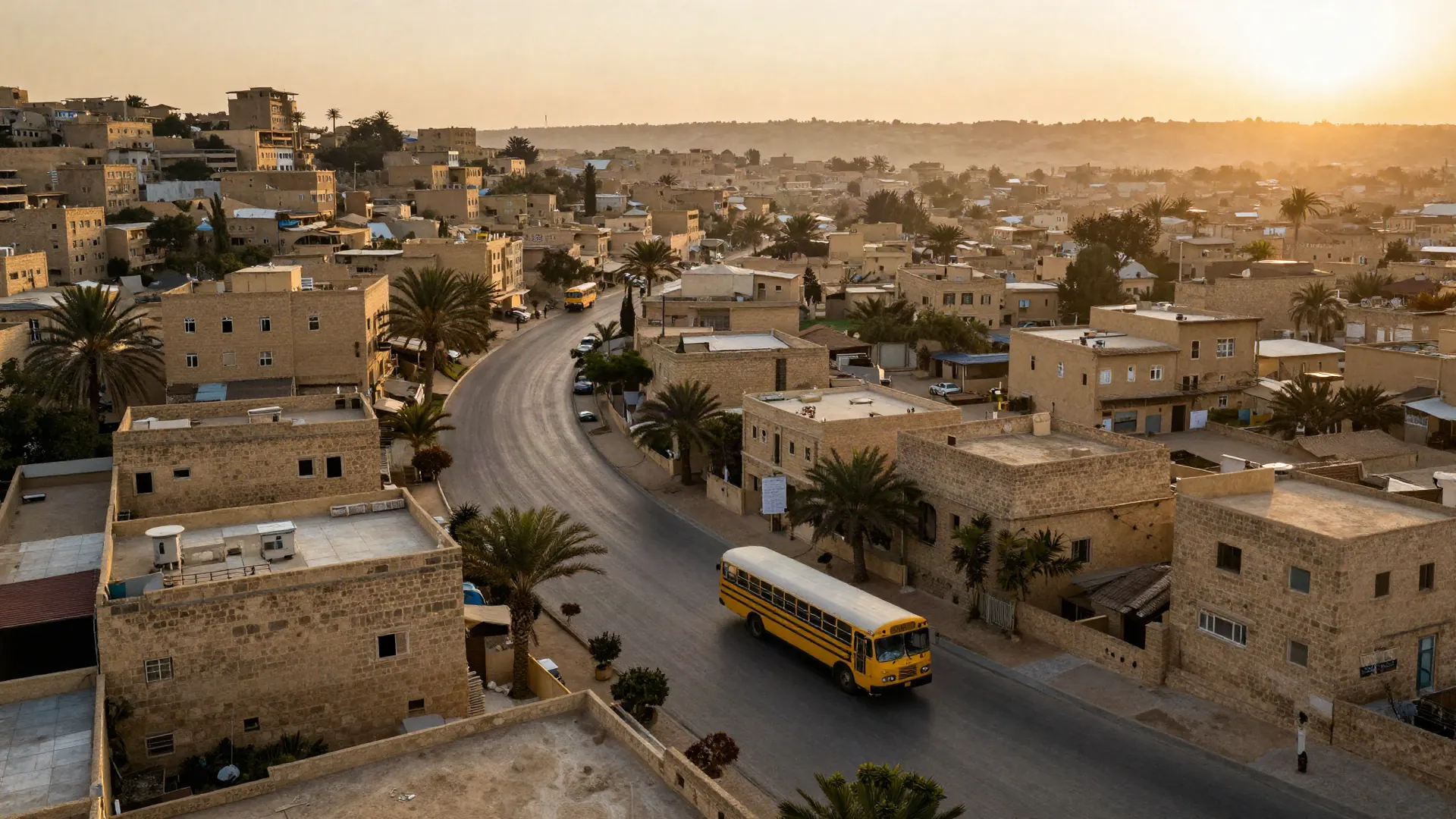
Parents get a notice the moment it leaves, and see the bus on the map with its arrival time at their home in minutes, without seeing anyone else's home.
The teacher marks each child with one tap on their phone. Parents of an absent child know at once, and the office sees the rate for every class.
Homework arrives with a photo of the sheet and a due date. Parents open it full screen and save it to their phone.
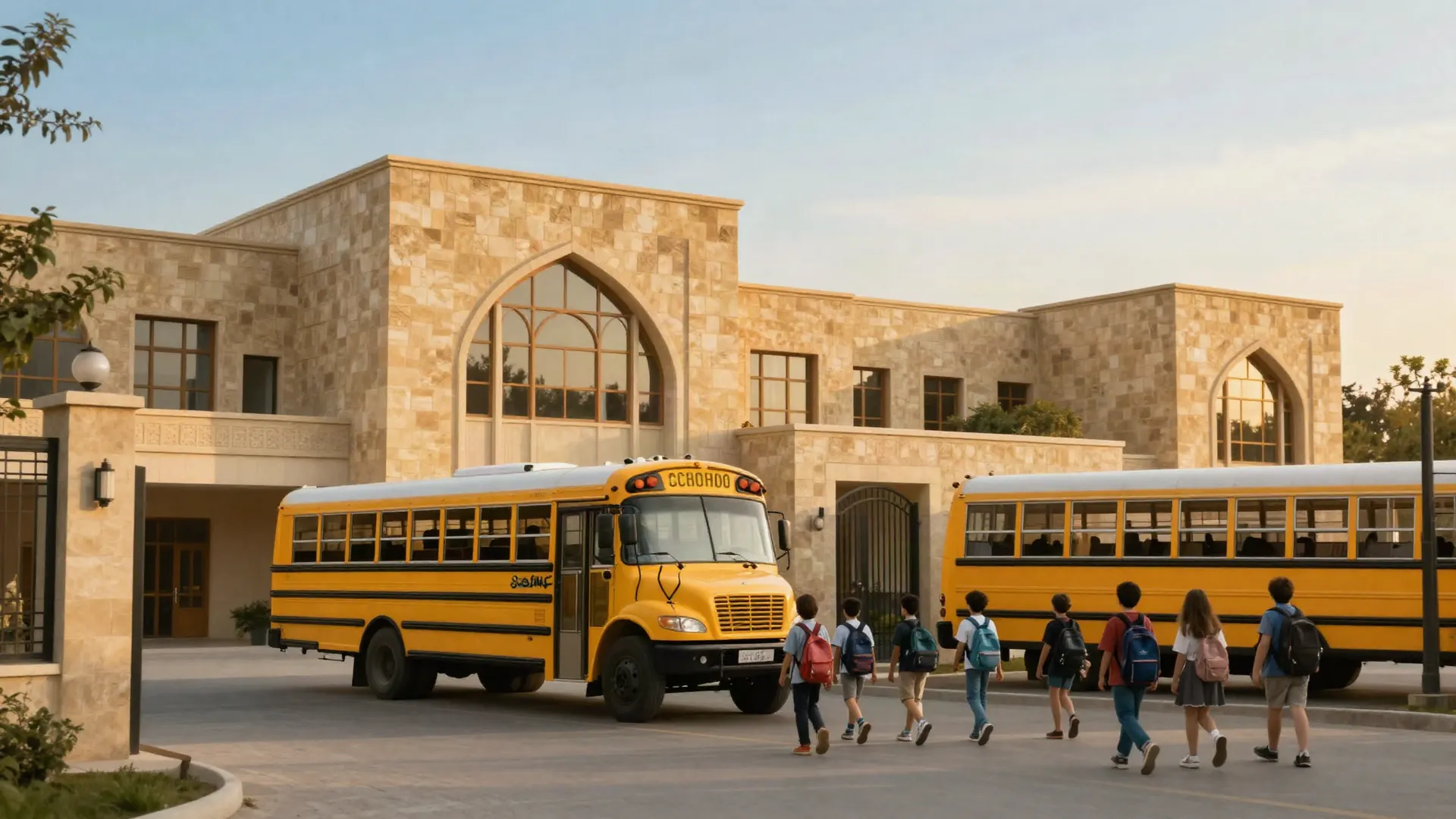
The morning's children in reverse order: last on, first off. A notice before the bus reaches home, and an urgent alert to the office if a trip ends with a child not checked off.
The teacher opens chat for their class at a time they choose. Every parent is told when, and asks about their child within that hour.
One app that changes with who signs in: a parent, a teacher or a driver. The office has its own dashboard.
Everything about your children in one place, and a notice only for what matters.
Home · My children · Bus · School · Chat
Your classes and today's timetable, with the current lesson in front of you the moment you open the app.
Home · My classes · Dismissal · Chats
The next home is always in front of the driver, and parents know without calling.
School bus or subscription car
A glass dashboard for the director: the numbers that matter first, the details one click away.
A private link per school · two-step sign-in
This is the parents' app. Tap the tabs at the bottom, or pick from the list.
Illustrative examples; the names are not real.
Opens from your school's private link, on a computer, an iPad or a phone.
Any table to Excel, PDF or Word, on the school's letterhead with its logo.
"Sent to 24 parents" instead of "Done".
A short explanation of each tab and workflow, no long training needed.
The same children there and back, the return in reverse order automatically. Only the driver or the vehicle changes, and every change is kept in the line's history.
Home pinned by the parentSet once in the app, and the child joins their line automatically.
Homes stay privateParents see their bus and its arrival at their own home, never other homes.
School bus or subscription carA private car works like a bus, with the same tracking and notices.
From a student's annual fee to the month's net, in Iraqi dinars and on Baghdad dates.
At enrolment: the full fee, what's paid and what's left, in one payment or instalments with their dates, with a reminder before and on the day.
A base salary per staff member, allowances, bonuses and deductions each month, and advances deducted monthly until repaid. A month locks once paid.
Generator, fuel, repairs, stationery… each expense with a photo of its bill. Nothing is deleted; it is voided with a reason and stays on record.
Cash in, cash out, and what should be in the box at the end of each day.
Each month's net shows only with a strong code the director sets, and changes only with the old code.
Permissions are checked on the server on every request, not only in the app.
No technical team and no weeks of training. We work through it with you, step by step.
We call you to understand your school: its stages, number of students, and buses or cars.
Grades, classes, teachers and students go in with you, and everyone gets a sign-in code.
A short session for the director, teachers and drivers, and a written guide on every dashboard page.
Each parent receives their number and code, installs the app, and sees their child from day one.
A yearly subscription based on the number of students. The app is free for parents to install.
The driver's app saves who got on and off without a connection and sends it as soon as the signal returns. Notices reach a parent's phone as soon as it reconnects, and the dashboard works on any ordinary connection.
One phone in the family is enough: the school can add more than one guardian per student, such as the father and the mother. Report cards and receipts can be printed from the dashboard for anyone who needs paper.
The school does. We process it only to run the service, never sell it or show ads, and every school is fully separated from the others. Details in the privacy policy.
A yearly subscription based on the number of students, and the app is free for parents. Ask for your school's price and we'll send it to you.
Primary, intermediate, secondary or basic; boys, girls or mixed; with school buses or private subscription cars. Stages and grades are built around your school.
A few days, depending on the size of the school. We build the structure with you, and you can start with attendance and homework before the rest is finished.
Just an Android phone or an iPhone. The director opens the dashboard on a computer, an iPad or a phone, from the school's own private link.
Your logo and colour appear inside the app for your families. If you like, there can also be a version of the app under your school's own name and icon in the stores.
We set up a demo school with your details: grades, classes and teachers, so you can see the app and the dashboard yourself.